

Skip to content

Film camera.
For iPhone.

Live film color. Manual controls. Your own recipes.

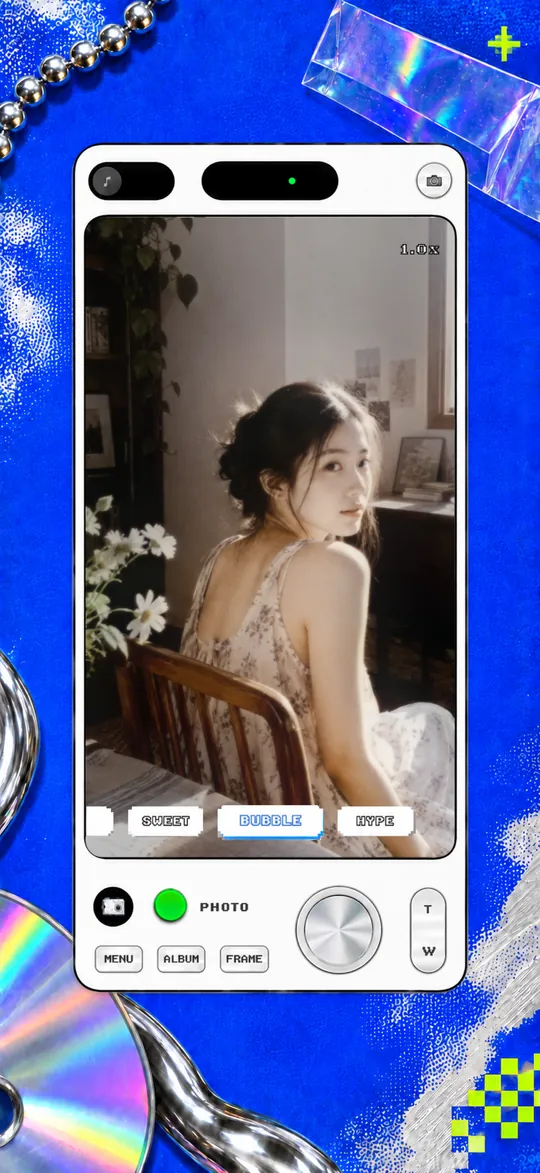
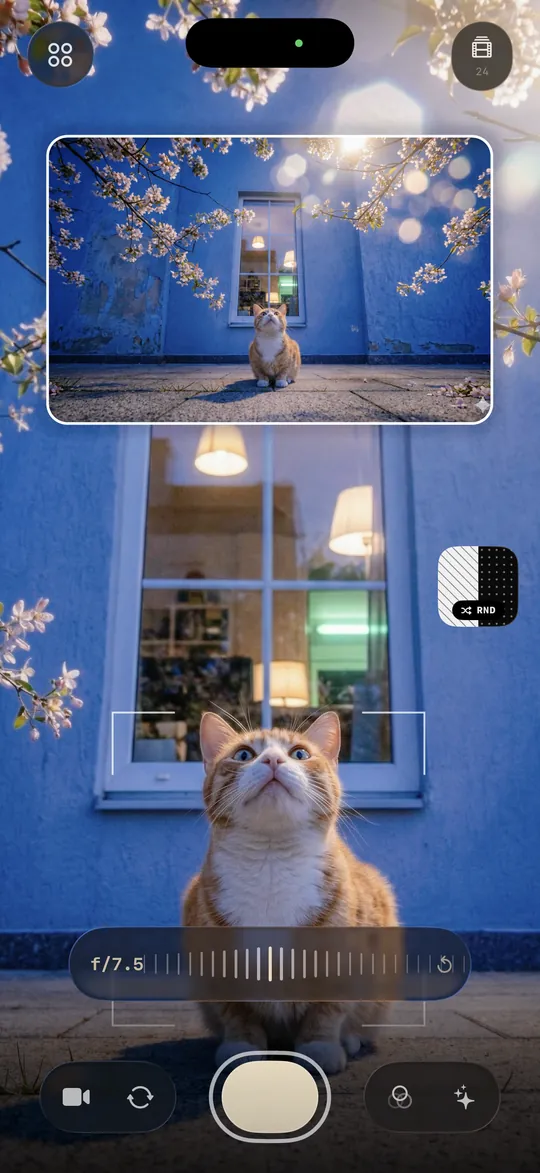
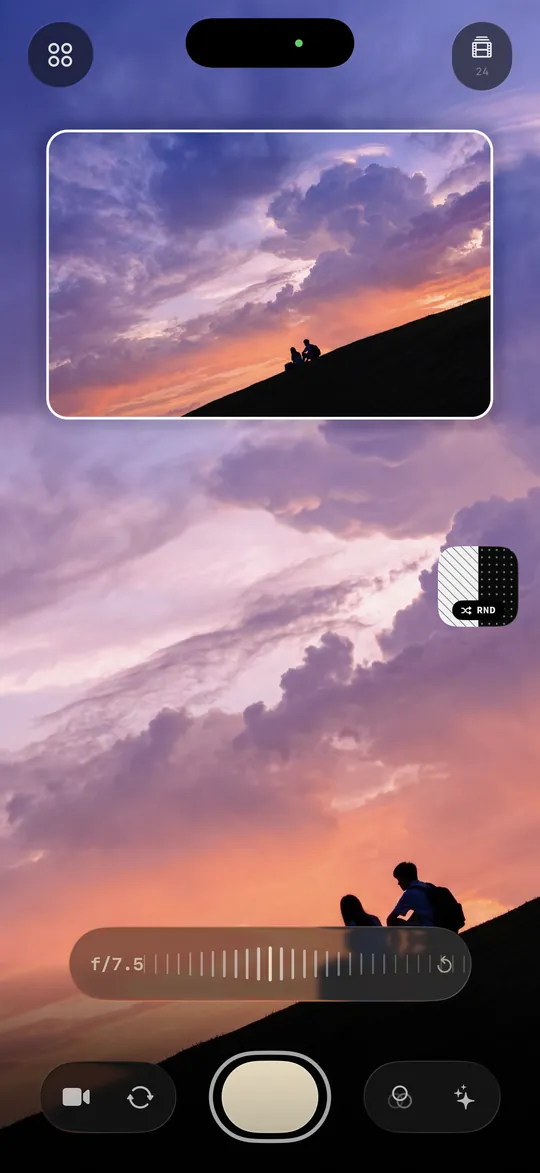
FILCA manual camera interface and camera collection
FILCA live camera interface with film color and manual controls
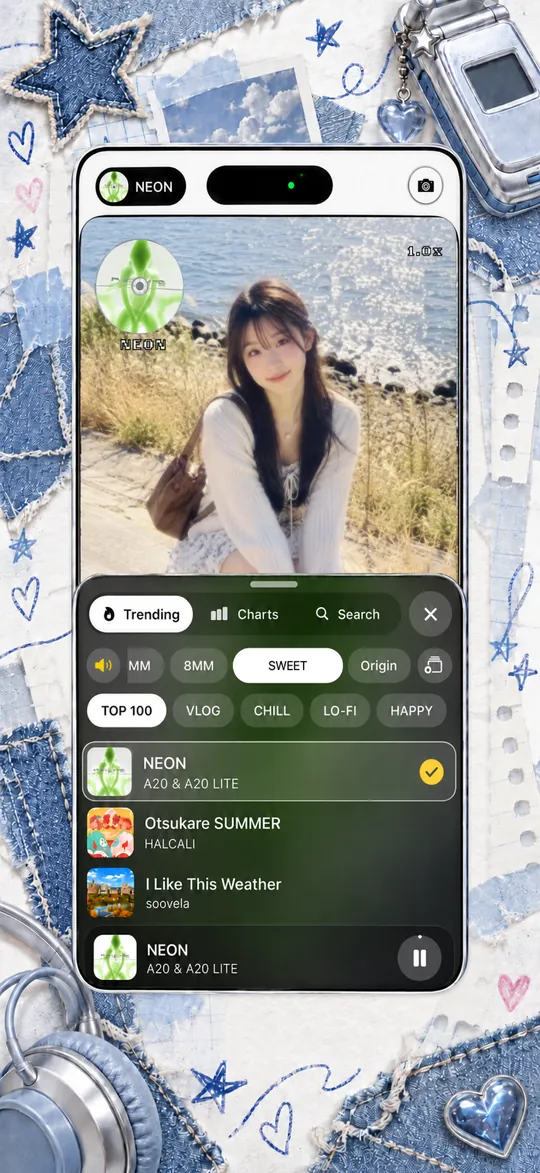
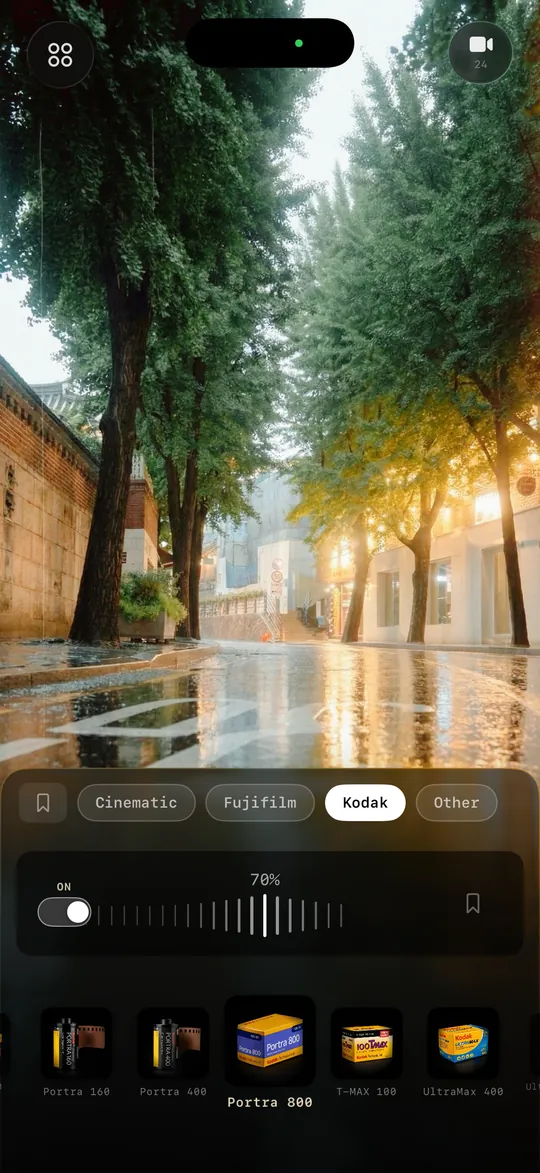
FILCA film recipe camera interface with 35mm film rolls
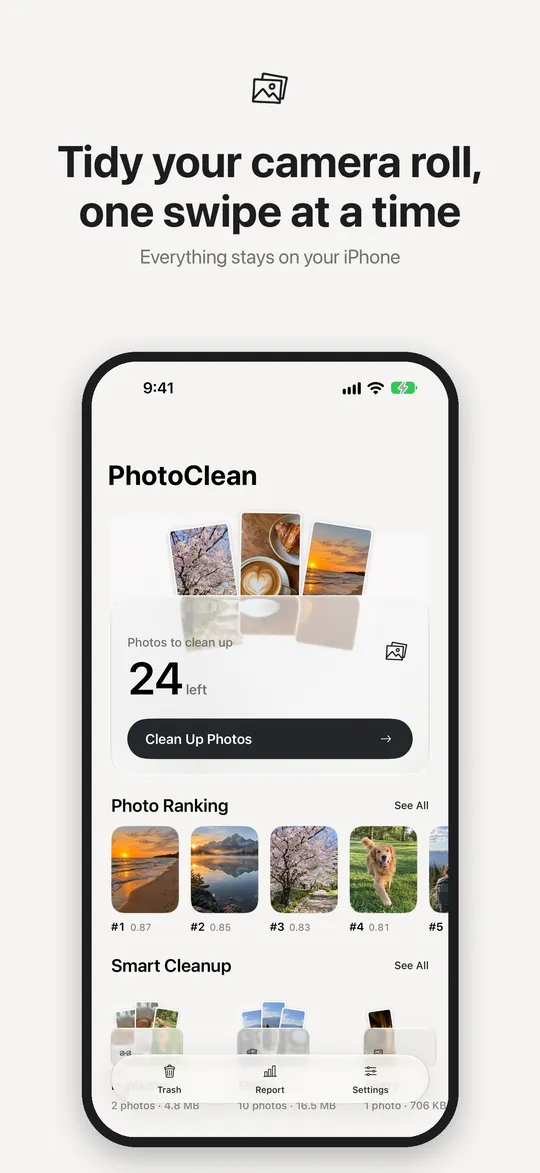
  • PhotoClean

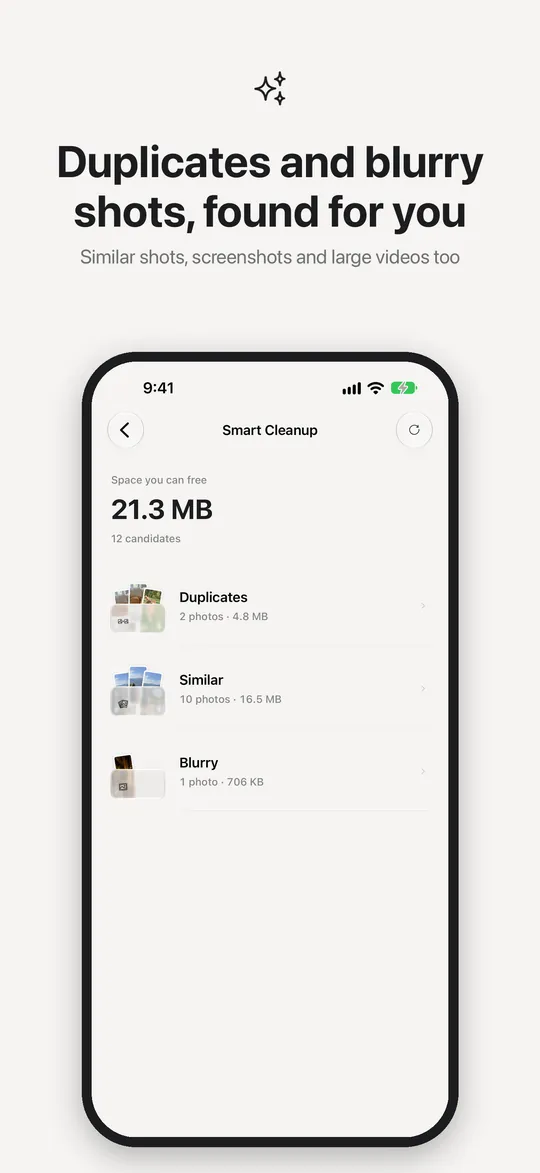
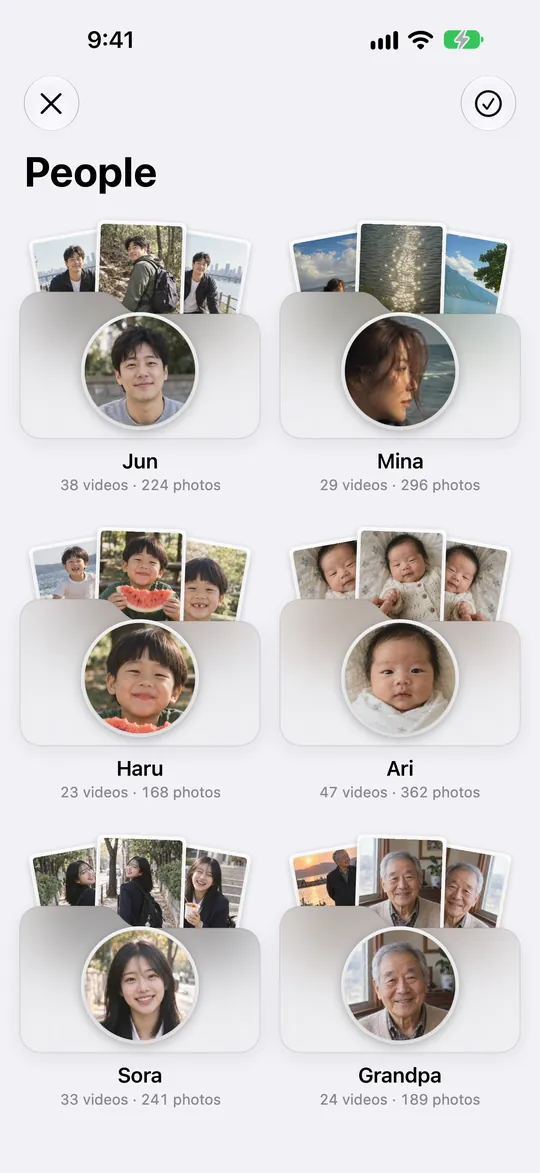
    Find duplicates and make room for your photos.

    PhotoClean app screen 1
    PhotoClean app screen 3
  • DICA 99

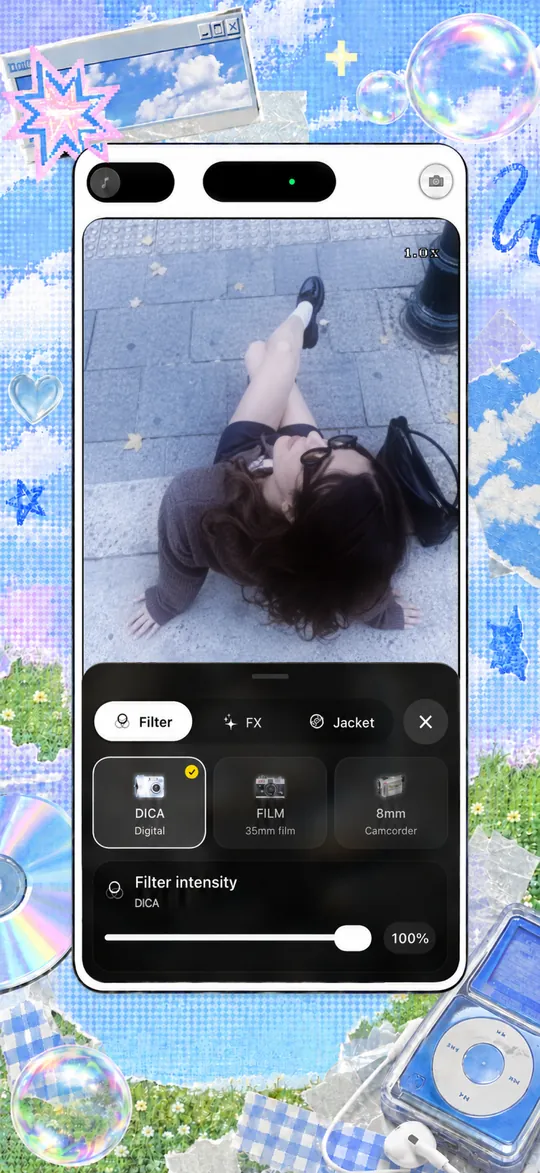
    A digital camera look for photos and video.

    DICA 99 app screen 1
    DICA 99 app screen 2
    DICA 99 app screen 3
  • FilCut

    Find your favorite moments and make a video.

    FilCut app screen 1
  • CINEMA 24

    Film color and multiple camera angles for video.

    CINEMA 24 app screen 1
    CINEMA 24 app screen 2
    CINEMA 24 app screen 3

Photos

Slide to compare.

Cyclists on a residential street, before and after disposable-camera processingBeforeAfter

Bike ride on Disposable

Scooters and small shops under trees, before and after VHS processingBeforeAfter

Corner shops on VHS Tape

Hydrangeas and bouquets outside a flower shop, before and after Super 8 processingBeforeAfter

Flower shop on Super 8

Two people outside a café at dusk, before and after camcorder processingBeforeAfter

Café at dusk on Camcorder

A glass bus shelter in coastal evening light, before and after Dica Y2K processingBeforeAfter

Sunset on Dica Y2K

Sunlit stone buildings through an open window, before and after instant-film processingBeforeAfter

Window light on Instant

An AI-created rocky swimming cove, finished with the Disposable-QuickSnap effectBeforeAfter

Summer swim on Disposable

A rain-lit city street and car rendered with VHS tape texture and a date stampBeforeAfter

Rainy night on VHS Tape

An AI-created sunlit Mediterranean square with grain and weathered Super 8 edgesBeforeAfter

Village square on Super 8

An AI-created photograph of two friends by the sea with a camcorder finish and white date stampBeforeAfter

By the sea on Camcorder

An AI-created blue-hour portrait lit by a record-shop window, processed with Dica Y2KBeforeAfter

Blue hour on Dica Y2K

An AI-created café still life with espresso, a croissant and a flower, rendered in soft instant-film colorBeforeAfter

Coffee break on Instant

1 / 12

Dates & frames

Date print

30 print presets, baked into the photo.

A rain-soaked city crossing at night with an orange LED date stamp
LED
A figure at the top of a sunlit stairway with a typewriter-style date
Typewriter
A woman with a clear umbrella on a rainy street, with a film-edge data bar
Data bar
A Ferris wheel on a seaside pier with a mono date print
Mono
A cat being scratched under the chin with a dot-matrix date
Dot matrix
Cherry blossoms inside a 35mm film-frame border
Film frame

Instant frames

Paper textures and handwriting.

A flower shop in a classic instant frame with handwriting
A bicycle against a pink wall in a doodle frame
Two people at a dusk café in an aged paper frame
A church among cherry blossoms in a travel frame
A seaside train crossing in a black instant frame with white handwriting

Film & cameras

Every look begins with a film and a camera.

SOLURA 10036 EXP · ISO 100 · COLOR NEGATIVE
NORVEX NX200S23mm 1:2 · Ø43
NOVALUX APEX 42736 EXP · ISO 400 · COLOR NEGATIVE
LUMINOR M20024 EXP · COLOR PRINT FILM
AXION X1S16-70 ZOOM
LUMINA 10036 EXP · ISO 100 · FINE GRAIN
VESTA 200D24 EXP · ISO 200 · COLOR NEGATIVE
NEXORA EX-16ZOOM 5X · 16MP
NOVARIS ULTRA VISION24 EXP · ISO 200 · 4-LAYER COLOR
NEXORA 10036 EXP · ISO 100 · COLOR REVERSAL
NEXORA6.0-30.0mm · 18MP
NOVACHROME 400X36 EXP · ISO 400 · COLOR REVERSAL
LUNARIS AURORA 40036 EXP · ISO 400 · PRO PACK

Black & white

Deep blacks. Fine grain. Clear contrast.

An AI-created village square with a cyclist and long shadows, rendered in high-contrast black and whiteOriginalBlack & white

Camera & editing

From live preview to the final edit.

FILCA live camera interface with film color and manual controls
Live preview
FILCA manual camera interface and camera collection
Manual control
FILCA analog filter, grain, bloom, and Polaroid controls
Analog effects
FILCA film recipe camera interface with 35mm film rolls
Film recipes
FILCA lens zoom, focus, and exposure controls
Lens controls
FILCA VHS and camcorder effects with finished film frames
VHS & camcorder
1 / 6

Live film color

Preview film color before you shoot.

Manual controls

Adjust ISO, shutter speed, focus, and white balance.

Saved recipes

Save your settings for new shots and album photos.

Questions

What is FILCA?

FILCA is a film camera app for iPhone. It combines live film color, manual controls, Shoot FX effects such as disposable, VHS and Super 8, date print and frames, and saved recipes in one flow.

Can I see the film look before I take the photo?

Yes. FILCA previews the film color in the viewfinder while you frame the shot.

Which camera effects does FILCA have?

Shoot FX includes Disposable, Holga, Lomo, Polaroid, Dica, Toy, VHS, VHS II, 8mm, 16mm, Super 8, Double Exposure, Motion Blur, Night, Flash, Tilt Shift and more.

Can I set ISO and shutter speed manually?

Yes. You can set EV, ISO, shutter speed, manual focus and white balance, and use grids, a level, a histogram and focus peaking.

Can I apply the look to photos I already took?

Yes. Recipes can be applied to the live camera or to photos in your album, and Film Finish adds grain, halation, date print and frames.

Which iPhone and iOS version do I need?

FILCA requires iOS 18.0 or later. Some features depend on your iPhone model and its cameras.

FILCA

Film camera for iPhone.

Download on the App Store